
Changing IDE and/or library language
When installing RAD Studio one selects the language to use for the installer and the IDE. But what if one later on wants to change this setting? And which influence does this have on certain IDE bugs?
- The German version of the IDE has at least two bugs related to keyboard shortcuts which can get permanently fixed when switching the IDE language to English. These are the Ctrl-# comment/uncomment selected code issue (as reported here: RSP-29701) and insert ToDo list entry sometimes does not enter the entered text as ToDo comment.
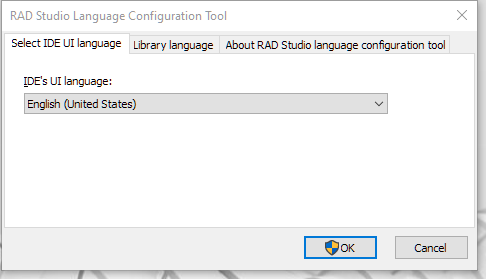
- To change IDE language (and additionally one can switch library language as well, so that VCL or FMX applications are completely in say French) simply call BDSSetLang.exe from the Rad Studio Bin directory. Using that tool requires restarting the IDE though and will reset tool bar customizations etc., but the tool warns you about the things it resets.